Schema.org Generator
Use this free Schema.org generator to create valid JSON-LD structured data for your website — no coding needed. Clear schema helps Google, Bing, ChatGPT, Perplexity and other AI systems understand exactly who you are and what each page is about.
Schema.org generator
Generate optimized JSON-LD structured data for search engines and AI systems.
Table of Contents
What Does a Schema.org Generator Do?
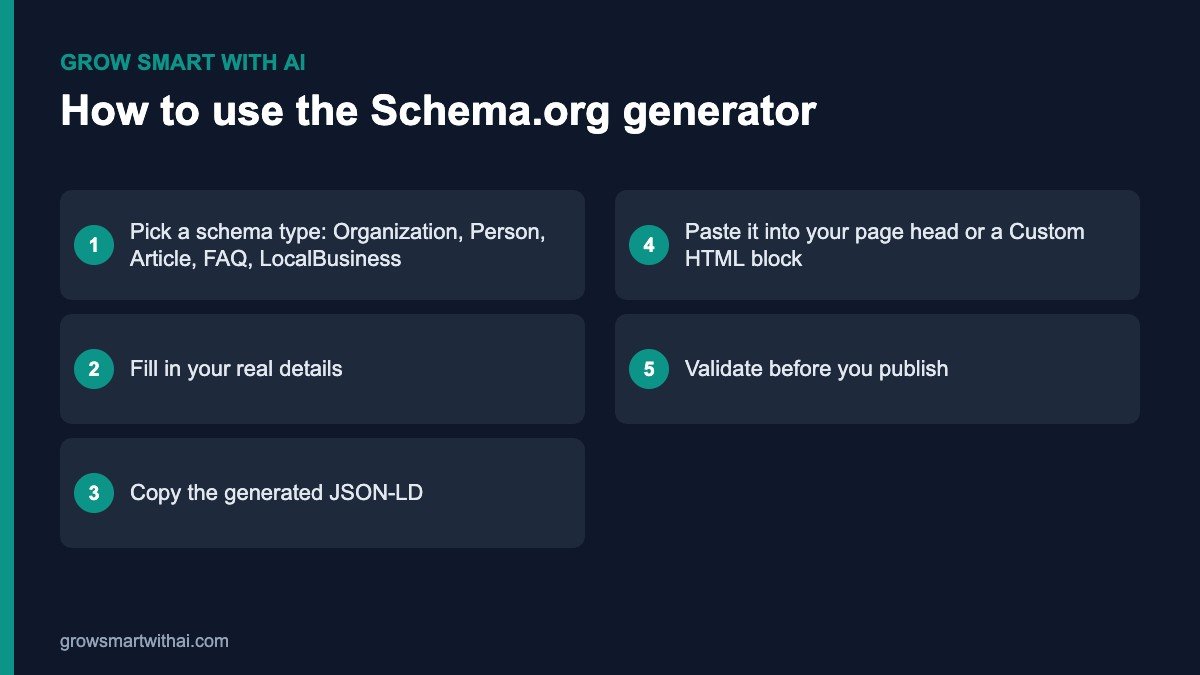
Schema.org is a shared vocabulary that search engines use to understand structured information on the web. A Schema.org generator turns simple form fields — your company name, logo, address, founders, articles or FAQs — into a JSON-LD code block that you can paste into your site.
That code does not change how your page looks to visitors. It quietly gives search engines and AI assistants a machine-readable summary, which supports rich results and makes your facts easier to trust and quote.
Which Schema Types Should You Create First?
Most Indian business websites only need a handful of schema types. Start with these, in this order:
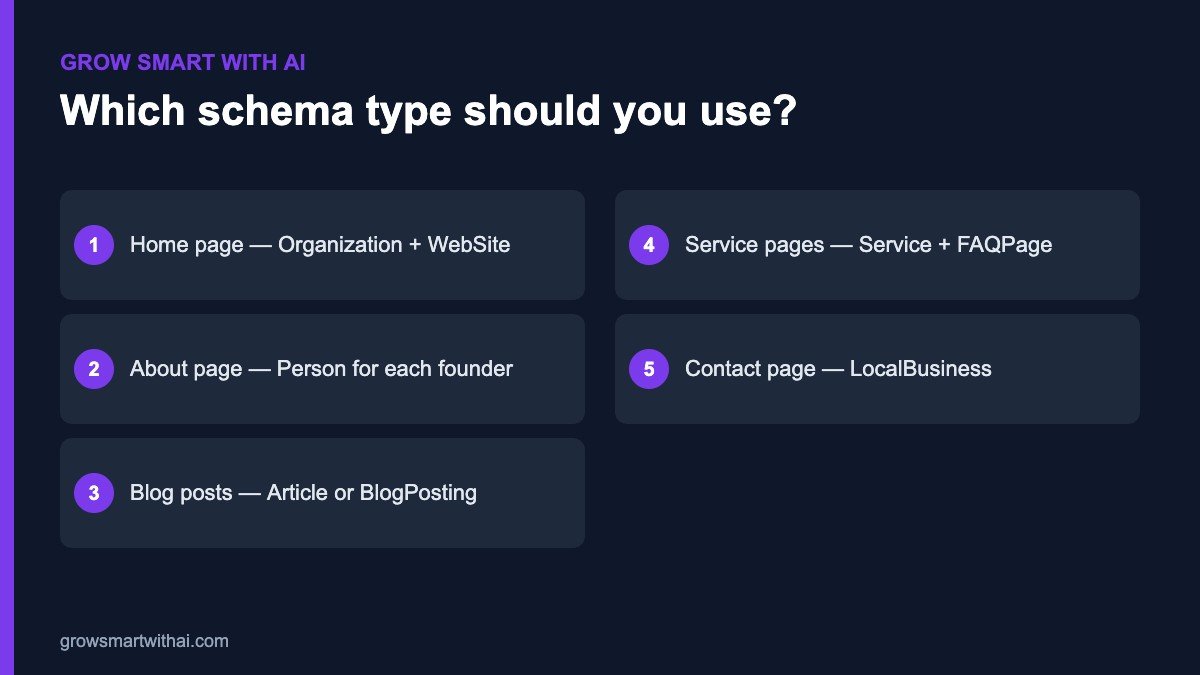
- Organization on your home page, with your logo, address and sameAs links to LinkedIn, Wikidata and other profiles.
- Person on your About page for each founder or key expert.
- Article or BlogPosting on every blog post, with author and dates.
- FAQPage on service pages that answer common questions — try our free FAQ generator.
- LocalBusiness on your contact page if customers visit you in person.
Schema.org Generator Tips
- Match visible content. Every value in your schema should also appear on the page.
- Avoid duplicates. If Rank Math or another plugin already outputs Organization schema, do not add a second copy.
- Use full URLs. Logos, images and sameAs links should be absolute URLs starting with https://.
- Validate every time. Test with the Schema Markup Validator and Google’s Rich Results Test.
- Review quarterly. Update schema when your address, team or services change.
Schema.org Generator FAQ
Is this Schema.org generator free?
Yes. It is free to use with no sign-up.
Where do I paste the JSON-LD on WordPress?
Use a Custom HTML block on the page, a header code plugin such as WPCode, or Rank Math’s schema settings. Paste it once per page.
Does schema help with AI search?
Schema helps AI systems understand your entity and content, which supports AI visibility alongside good content and trusted mentions. Our schema markup guide explains how, and our AEO and GEO services can set it up for you.
Can schema hurt my site?
Only if it is misleading — for example fake reviews or prices that do not match the page. Accurate schema is safe and recommended by Google.
What details should I prepare before using the tool?
Keep your registered business name, website URL, logo URL, full address with PIN code, phone number, founding year and the links to your official social and directory profiles ready. For Person schema, have each founder’s job title, short bio and LinkedIn URL. For Article schema, note the headline, author, publish date and featured image URL. Having these ready means you can create all of your core schema in one sitting.
Do I need different schema for Hindi or regional pages?
Use the same schema types on translated pages, but set the inLanguage property and translate visible text fields such as the headline and description. Keep names, URLs and identifiers identical so search engines know the pages describe the same organisation.
How quickly will I see results?
Search Console usually reports valid structured data within a few days of recrawling. Improvements in AI answers take longer and depend on your content and reputation as well.