llms.txt Generator
Use this free llms.txt generator to create a clean llms.txt file for your website in minutes. The file gives AI assistants such as ChatGPT, Claude, Perplexity and Gemini a simple map of your most important pages, written in plain Markdown.
LLMs.txt generator
Describe your site; we draft an llms.txt-style file for AI systems.
Table of Contents
What Is an llms.txt File?
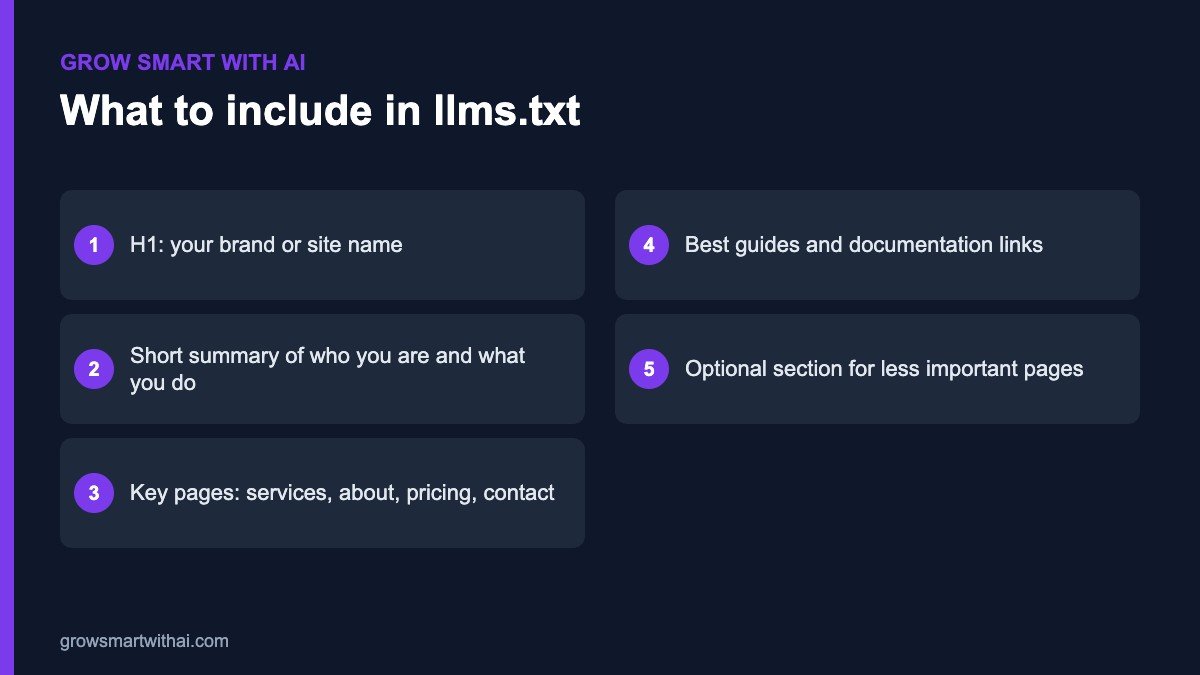
llms.txt is a proposed standard for a small text file placed at the root of your website — for example, yourdomain.com/llms.txt. It starts with your site name, adds a short summary of what you do, and then lists your key pages with one-line descriptions. The idea is to give large language models a clear, curated starting point instead of making them guess from hundreds of pages.
The format was proposed by Jeremy Howard and is documented at llmstxt.org. It is still emerging and not every AI system uses it yet, but it is quick to create, costs nothing and complements your robots.txt and sitemap.
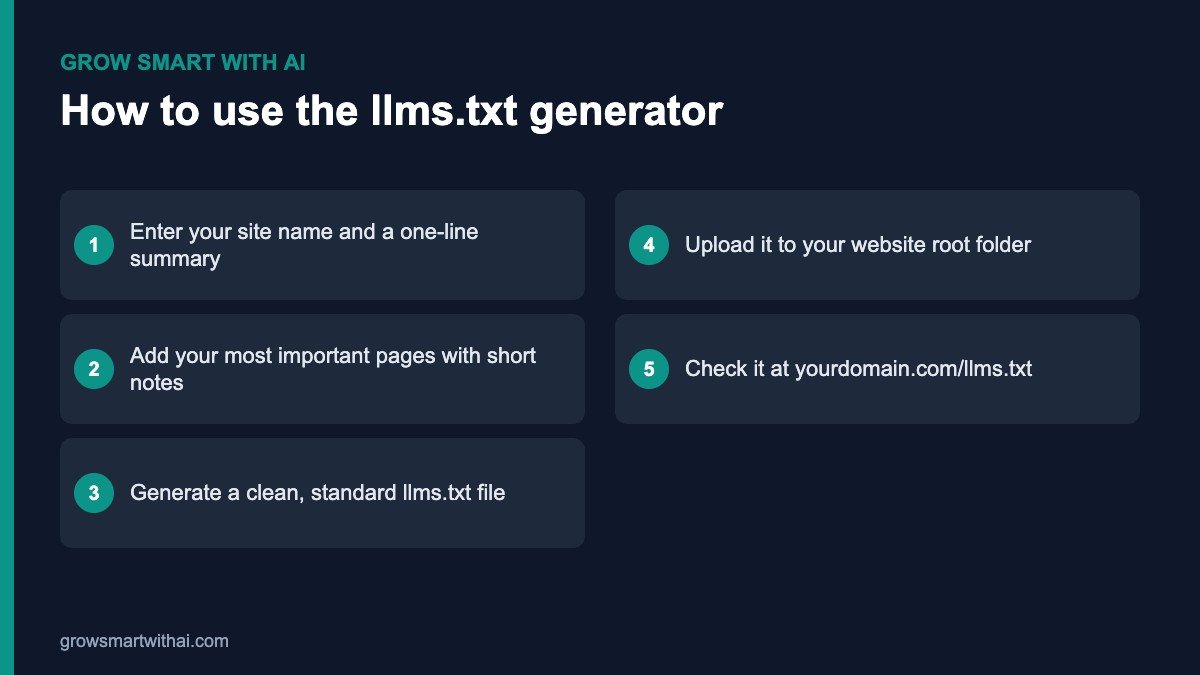
How to Use This llms.txt Generator
- Add your site details. Enter your brand name and a one- or two-sentence summary that says who you are, what you offer and who you serve.
- List your key pages. Include your services, about, pricing, contact and your best guides. Add a short note for each.
- Generate the file. Copy the Markdown output or download it.
- Upload it. Place the file in your website’s root folder using your hosting file manager, FTP or an SEO plugin that supports llms.txt.
- Check it. Open yourdomain.com/llms.txt in a browser to confirm it loads as plain text.
llms.txt Best Practices
- Keep it short and curated. List the 10 to 30 pages that matter most, not every URL on your site.
- Write factual descriptions. “AEO and GEO services for Indian startups” is better than “world-class solutions”.
- Match your website. Use the same brand name, services and locations that appear on your pages and schema.
- Update it when your site changes. Add new services and important guides, and remove pages you delete.
- Do not rely on it alone. Make sure AI crawlers are allowed in robots.txt and your pages are well structured.
llms.txt Generator FAQ
Is this llms.txt generator free?
Yes. It is free to use, with no sign-up required.
Does llms.txt replace robots.txt or my sitemap?
No. robots.txt controls crawler access, your XML sitemap lists all pages for search engines, and llms.txt gives AI systems a curated summary. Use all three. Our guide to robots.txt for AI crawlers covers access.
Will llms.txt get me cited on ChatGPT?
No single file guarantees citations. llms.txt is one helpful signal among many. Read our full llms.txt guide and our AEO and GEO services for the complete approach.
Where do I upload the file on WordPress?
Upload it to the same folder that contains wp-config.php, usually called public_html. On Hostinger, open hPanel, go to File Manager, open public_html and upload the file there. Some SEO plugins can also create and serve the file for you — if you use one, make sure only one version exists so AI systems see a single, consistent file.
Should every page be listed?
No. Think of the file as a guided tour, not an index. Pick the pages a new client, journalist or AI assistant would need to understand your business quickly: what you do, who it is for, proof of results, pricing guidance and how to get in touch. Add your best long-form guides, and leave out tag archives, thank-you pages and outdated posts.
How often should I update it?
Review it every quarter, and whenever you launch a new service or publish a major guide.