Set Up IndexNow
IndexNow WordPress setup ChatGPT visibility is what this guide covers — practical, step-by-step advice for Indian brands building AI search visibility.
One of the most common questions we get from clients is: “How long before ChatGPT picks up my new blog post?” The honest answer used to be: 2 to 6 weeks, depending on how frequently ChatGPT’s crawler visits your site.
IndexNow changes that. After installing it on Grow Smart with AI’s website, new content was being picked up by Bing — and subsequently by ChatGPT and Copilot — within hours of publishing. This guide covers exactly how to install it, verify it is working, and what happens after.
Set Up IndexNow
IndexNow WordPress setup ChatGPT visibility — What Is IndexNow?
IndexNow is an open protocol developed by Microsoft Bing that allows websites to instantly notify search engines when new content is published or updated. Instead of waiting for a crawler to find your new page during its next scheduled visit — which can take days or weeks — IndexNow sends a real-time ping to Bing the moment you hit publish.
The IndexNow protocol is supported by Bing, Yandex, and Naver. Google has not yet adopted it — but that is not the point for AI visibility. Here is why IndexNow matters specifically for ChatGPT and Copilot:
- ChatGPT uses Bing’s web index for its browsing and search features
- Copilot is powered directly by Bing
- Faster Bing indexing = faster discovery by both ChatGPT and Copilot
- New content that takes 4 weeks to reach ChatGPT via organic crawl reaches it in hours via IndexNow
The 5-Minute WordPress Installation
How to Set Up IndexNow?
Step 1 — Install the Official IndexNow Plugin
- Go to WordPress Dashboard → Plugins → Add New
- In the search bar type: IndexNow
- Look for the plugin titled “IndexNow” published by Microsoft Bing — this is the official plugin
- Click Install Now then Activate
Do not install third-party IndexNow plugins. The official Microsoft Bing plugin is the only one that matters and it is completely free.
Step 2 — The API Key Auto-Generates
After activating the plugin, go to Settings → IndexNow. You will see a screen showing:
- Your API key — a unique string that identifies your website
- The key file URL — e.g. yourwebsite.com/[your-api-key].txt
- Status: Active
The plugin automatically creates and hosts the key verification file on your server. You do not need to do anything. Bing reads this file to confirm the key is valid.
Step 3 — Verify in Bing Webmaster Tools
- Go to bing.com/webmasters and log in
- In the left sidebar click IndexNow
- You should see your API key listed and a submission log
- Publish a test post in WordPress
- Return to Bing WMT → IndexNow within 5 minutes
- You should see the new URL appear in the submission log
If the submission log shows your URL — IndexNow is working correctly. Every future post will be submitted automatically without any manual action.
What the Plugin Submits Automatically
Once installed, IndexNow auto-submits URLs to Bing whenever:
- A new blog post is published
- An existing post is updated and republished
- A new page is created
- A product listing is added or updated (WooCommerce)
- A new workshop event or custom post type is published
You do not need to manually submit anything. The plugin handles all submissions in the background.
Common Mistakes to Avoid in Setting Up IndexNow
Mistake 1 — Installing IndexNow on a noindex page
IndexNow submits URLs to Bing for indexing. If the page has a noindex robots meta tag, Bing will visit the URL but not index it — making the submission pointless. Check that every page you publish has index, follow set in RankMath before IndexNow submits it.
Exception: we deliberately exclude our /ngo-tools/ private page from the sitemap and set it to noindex. IndexNow correctly does not submit it because it is not in WordPress’s publication flow.
Mistake 2 — Submitting the same URL multiple times
The plugin handles deduplication automatically. Do not manually submit the same URL repeatedly in Bing WMT — it triggers spam filters and can slow down legitimate submissions.
Mistake 3 — Not verifying the key file is accessible
Open your browser and navigate to:
You should see the API key as plain text on the page. If you get a 404 error, the key file is not accessible — which means Bing cannot verify your identity and submissions will fail. Fix: check that your server is not blocking .txt files via .htaccess.
How IndexNow Affects ChatGPT Visibility — The Technical Path
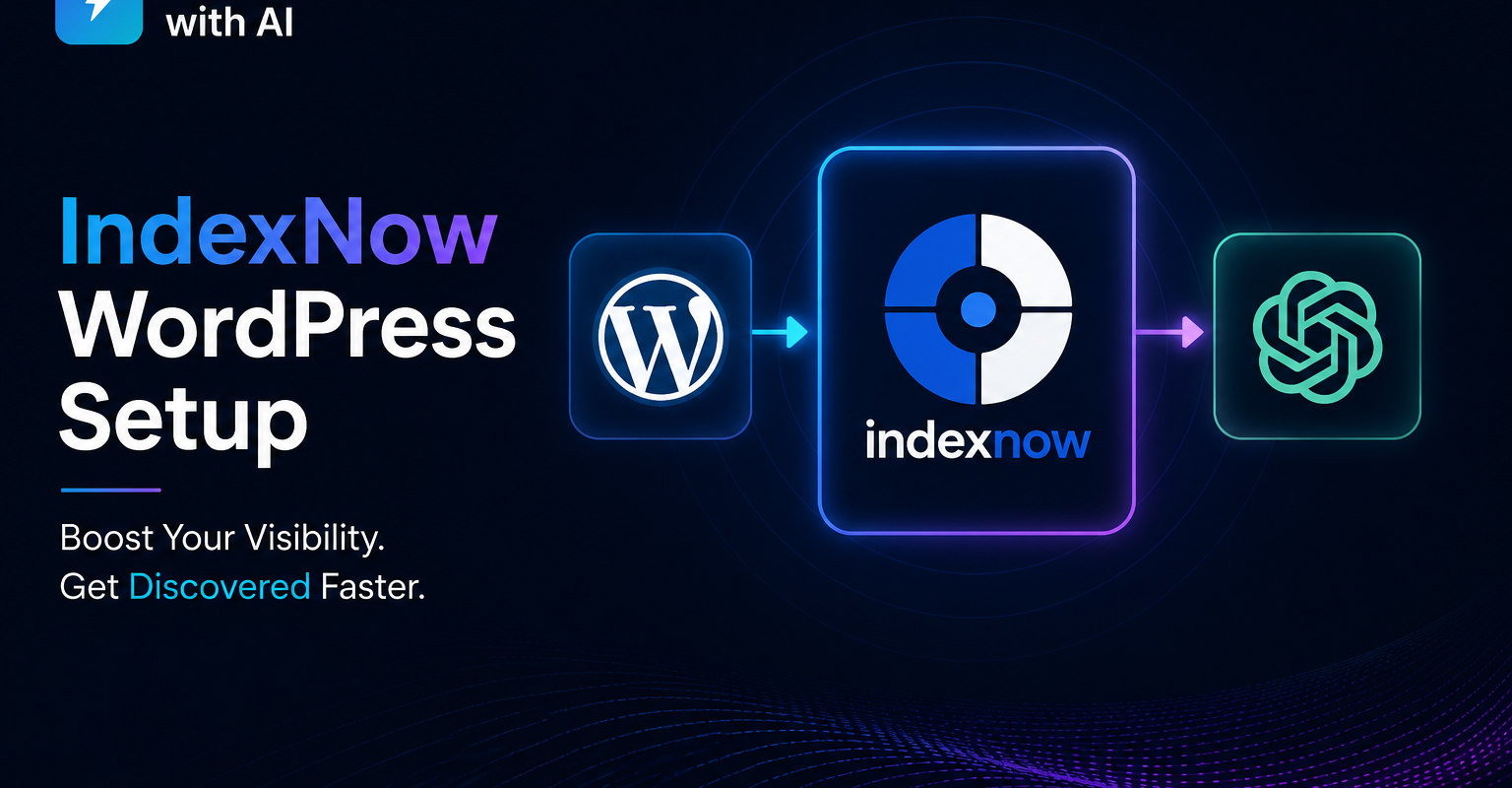
Here is the full chain that IndexNow enables:
- You publish a new blog post
- WordPress triggers IndexNow plugin
- Plugin sends a ping to Bing API with your new URL
- Bing crawls the URL — typically within 1-4 hours
- New URL is added to Bing’s index
- ChatGPT’s OAI-SearchBot and Copilot read Bing’s index for browsing queries
- Your new content is now discoverable on ChatGPT and Copilot — within hours, not weeks
For Google and Gemini, IndexNow does not help directly — Google has not adopted the protocol. For Google: continue using Google Search Console URL Inspection to manually request indexing of important new posts.
How to Check If Your Content Is Being Crawled After IndexNow
Go to Google Analytics → Reports → Acquisition → Traffic Acquisition. Look for sessions from these cities in your active users by city report:
- Boardman, Oregon, USA — AWS data centre, used by ChatGPT’s OAI-SearchBot
- Moses Lake, Washington, USA — Microsoft Azure, used by Copilot/Bingbot
- Council Bluffs, Iowa, USA — Google data centre, used by Google-Extended/Gemini
If you see visits from these locations after publishing new content, AI crawlers are reading your site. IndexNow specifically accelerates the Boardman and Moses Lake visits — the ones that matter for ChatGPT and Copilot.
Related guides
Book a free 45-minute live GEO audit →
We run your category queries across ChatGPT, Perplexity, Gemini, Copilot, and Claude in real time.
About the author
Vijay Kumar Mishra is Co-Founder and CTO of Grow Smart with AI — India’s GEO and AEO consultancy. Full-Stack WordPress Architect with 10+ years and 100+ enterprise projects. Microsoft Azure AZ-900 certified. Generative AI certified.
growsmartwithai.com · © 2026 Grow Smart with AI
Is IndexNow free?
Yes. The IndexNow protocol is completely free. The official WordPress plugin by Microsoft Bing is also free. There are no paid tiers or submission limits for normal publishing activity.
Does IndexNow work with all WordPress themes?
Yes. IndexNow is a plugin that works at the WordPress core level — it is not theme-dependent. It works with Elementor, Divi, GeneratePress, Astra, and any other theme.
Will IndexNow get me penalised by Google?
No. Google has publicly stated that IndexNow submissions to Bing have no effect on Google rankings either positively or negatively. Google simply does not participate in the protocol.
Do I need IndexNow if I already use RankMath's sitemap?
Yes. A sitemap tells search engines what pages exist. IndexNow tells them when those pages change. They serve different purposes. Use both for maximum indexing speed.
How long before I see ChatGPT citing my new content?
After IndexNow submission, Bing typically indexes the URL within 1-4 hours. ChatGPT’s browsing feature picks up newly indexed Bing content within 24-72 hours. Entity schema signals take 4-6 weeks to build regardless of IndexNow.
More guides: Grow Smart with AI blog.
Further reading: Bing Webmaster Tools, Schema.org documentation, and Google structured data intro.
Practical note on IndexNow WordPress setup ChatGPT visibility: Indian brands should document entities, publish corroborating pages, and measure LLM citations monthly.
Teams implementing IndexNow WordPress setup ChatGPT visibility often combine schema markup, Bing Webmaster Tools, and AEO-formatted FAQs for faster AI visibility.
When you prioritise IndexNow WordPress setup ChatGPT visibility, focus on clear definitions, expert authorship, and outbound references that models can verify.
Practical note on IndexNow WordPress setup ChatGPT visibility: Indian brands should document entities, publish corroborating pages, and measure LLM citations monthly.
Teams implementing IndexNow WordPress setup ChatGPT visibility often combine schema markup, Bing Webmaster Tools, and AEO-formatted FAQs for faster AI visibility.
When you prioritise IndexNow WordPress setup ChatGPT visibility, focus on clear definitions, expert authorship, and outbound references that models can verify.
Practical note on IndexNow WordPress setup ChatGPT visibility: Indian brands should document entities, publish corroborating pages, and measure LLM citations monthly.